Gotedo Impress
Church and Business Presentations, Impressively and Delightfully Done!
Project beautiful worship and business presentations, documents, images, videos, and bible verse to your audience; and manage media independently across multiple screens - all from one versatile multi-platform desktop software.
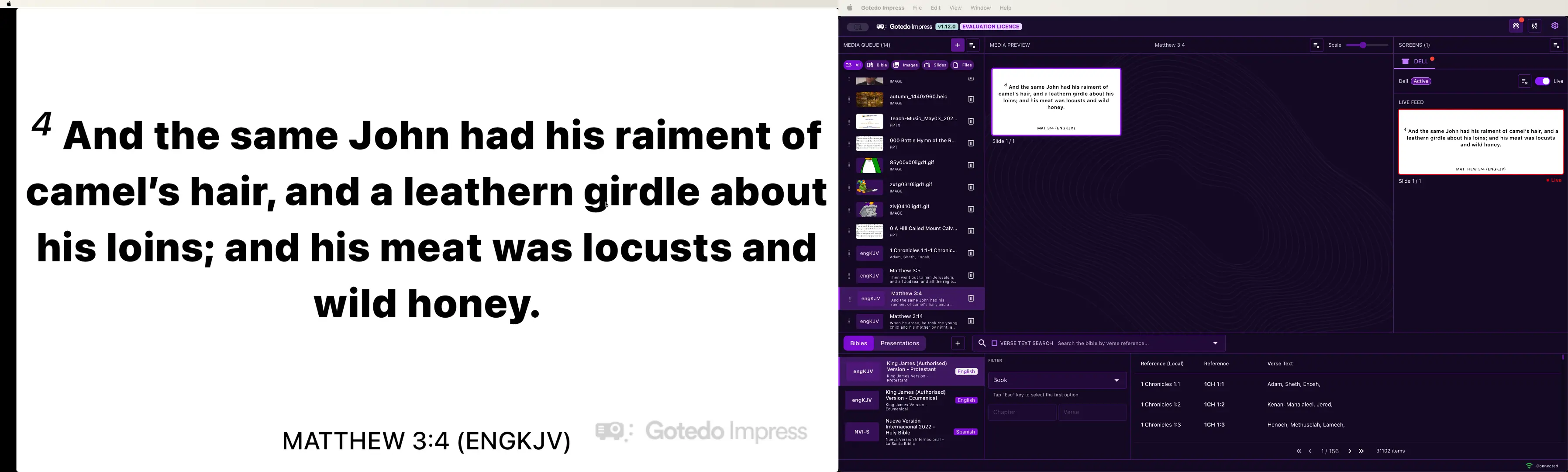
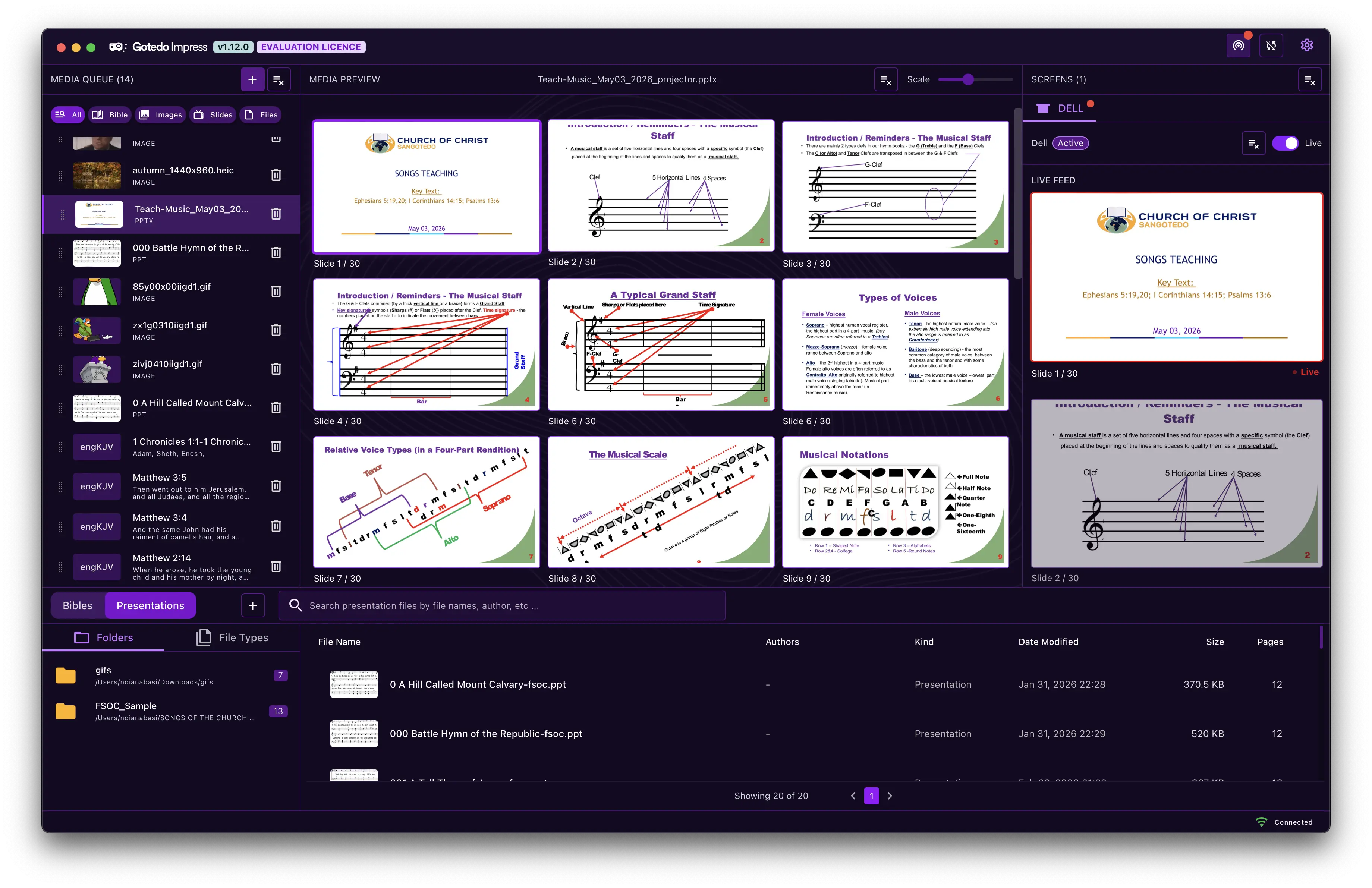
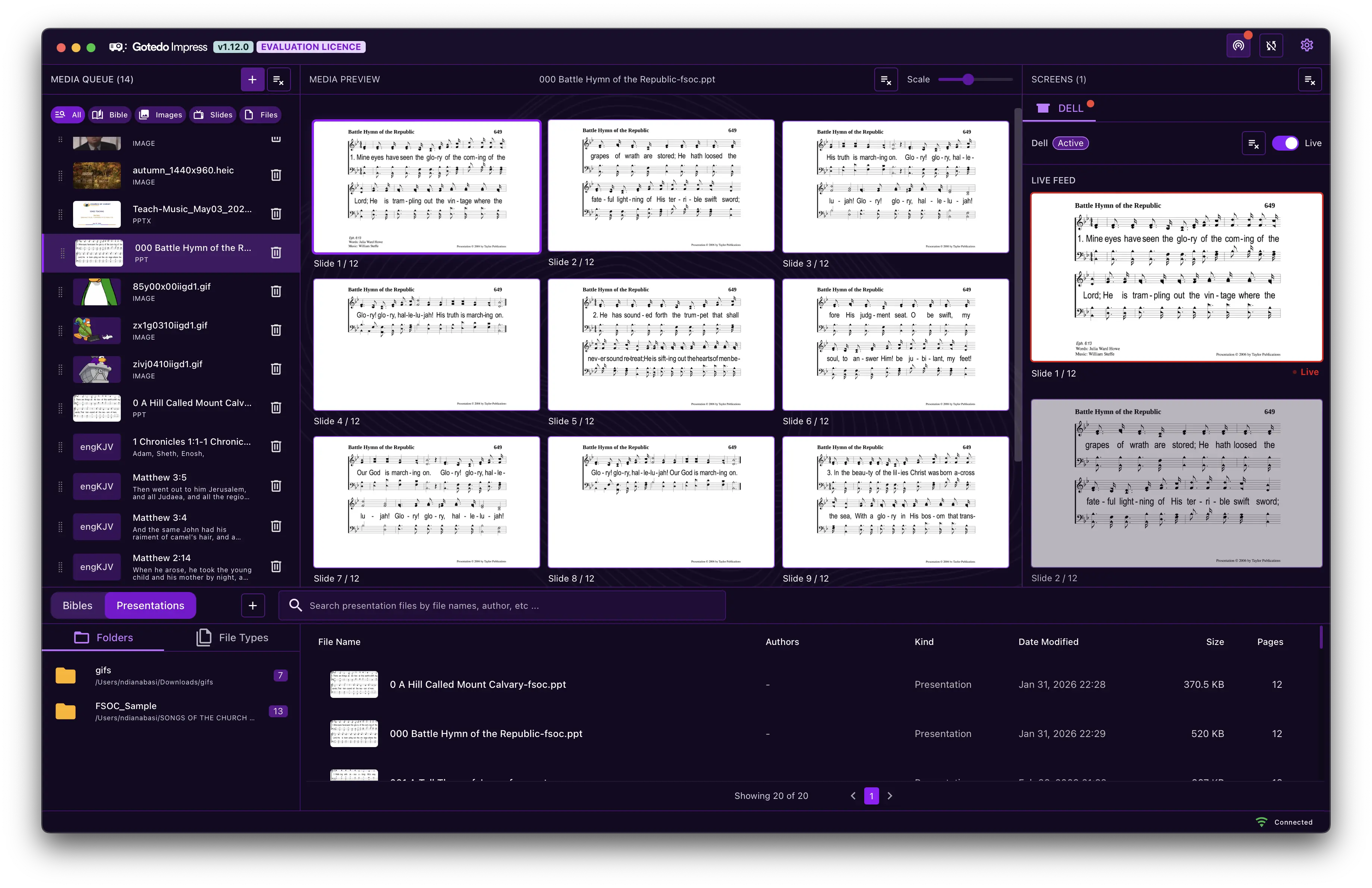
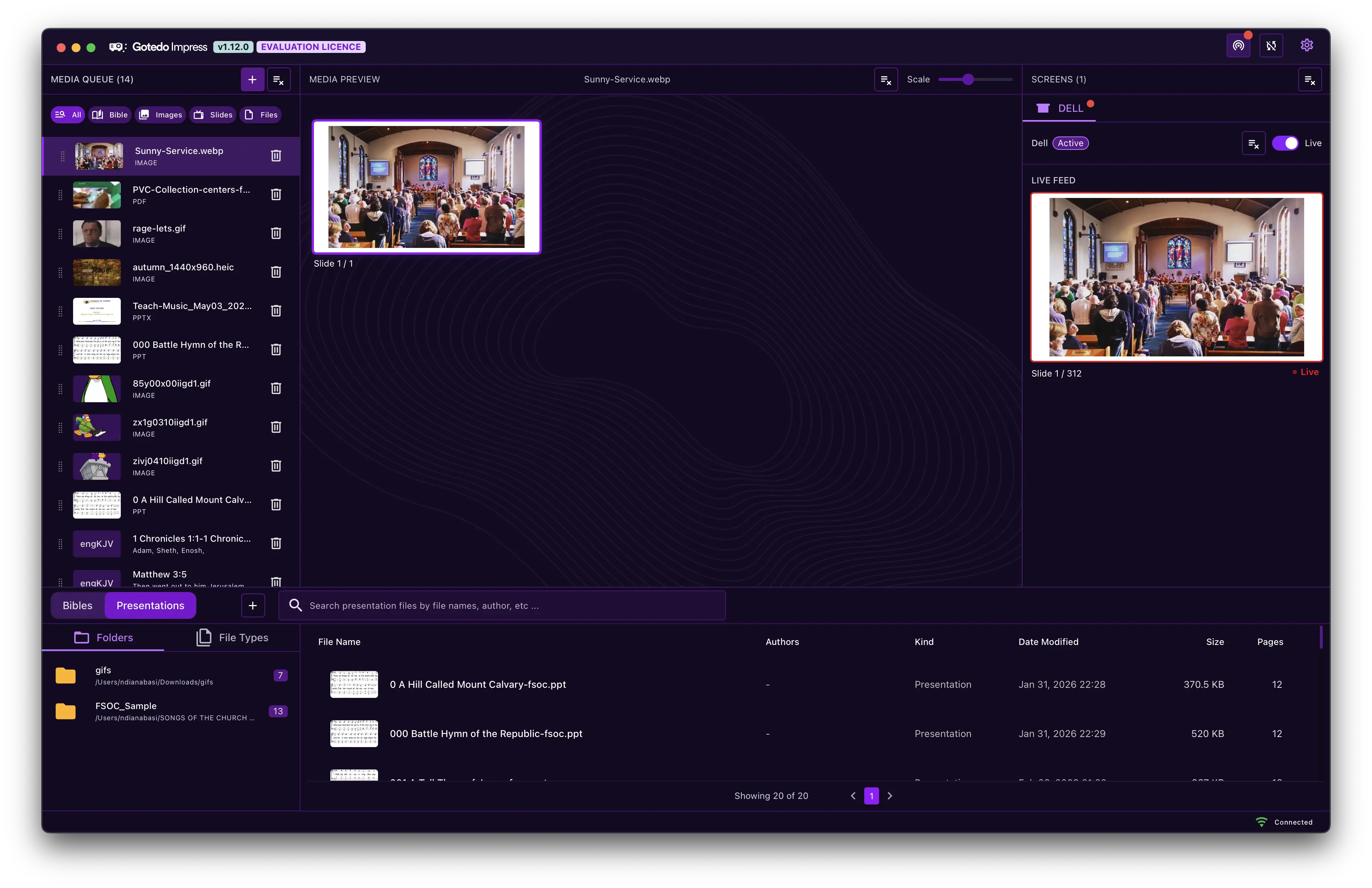
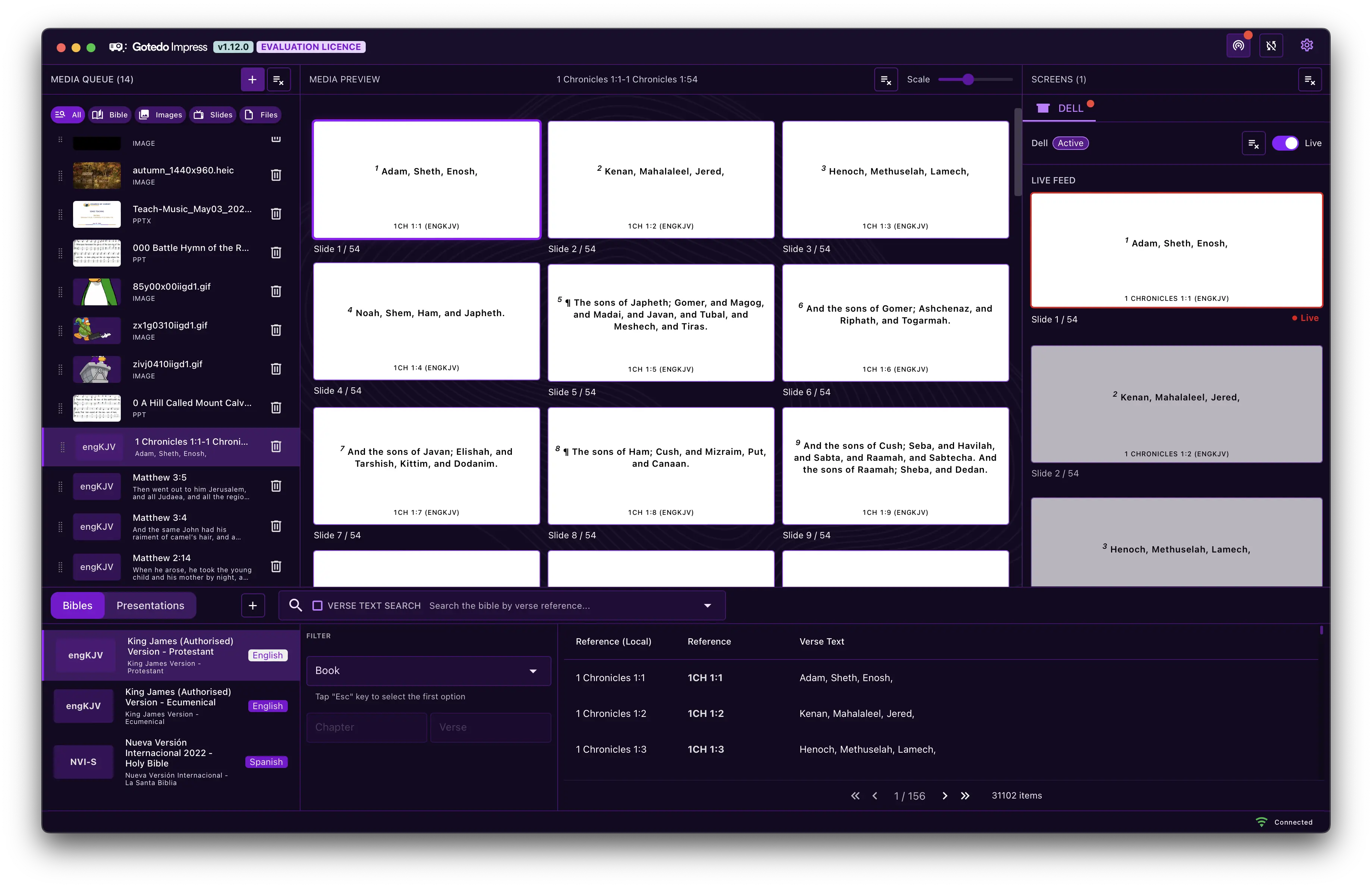
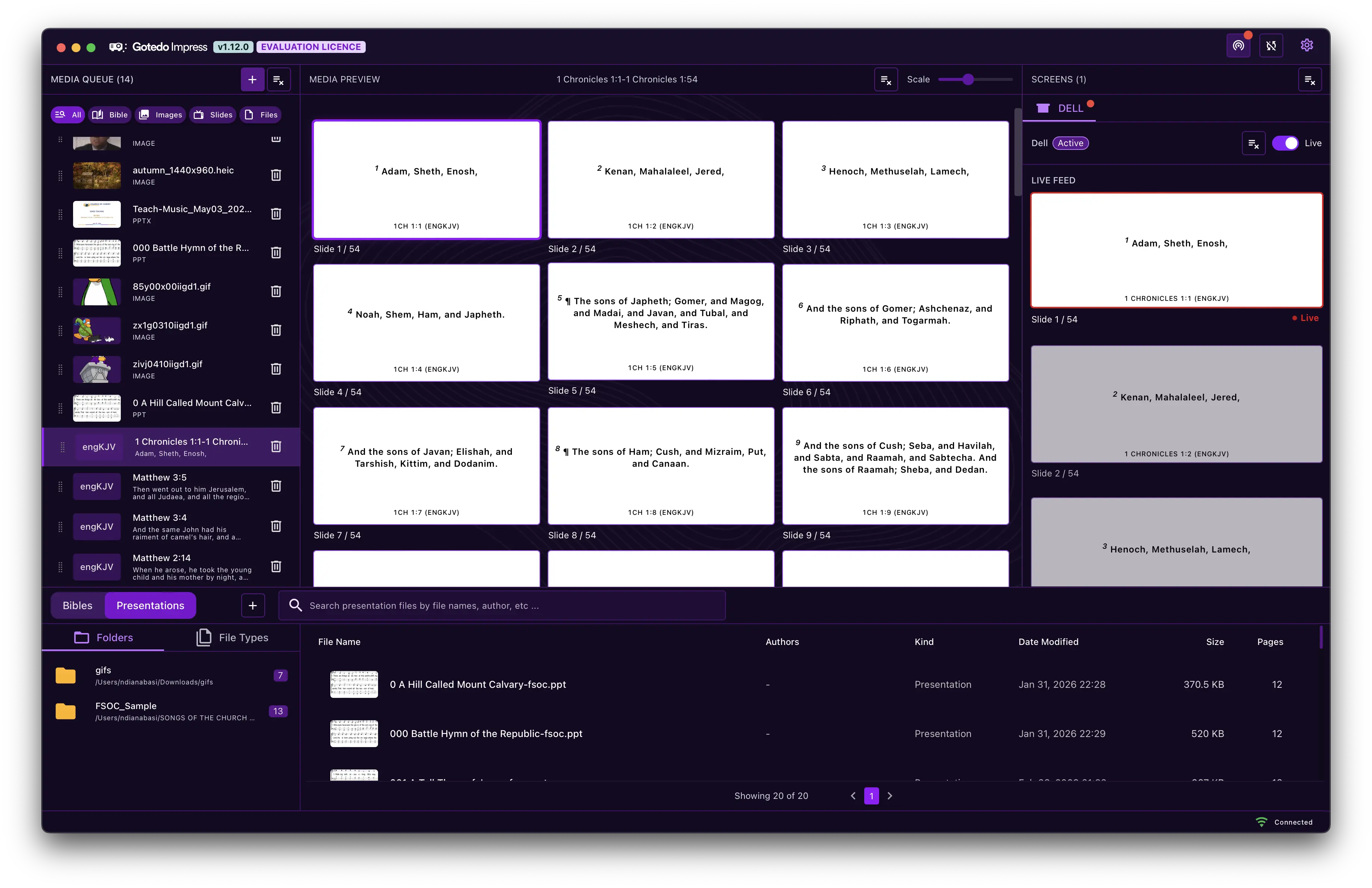
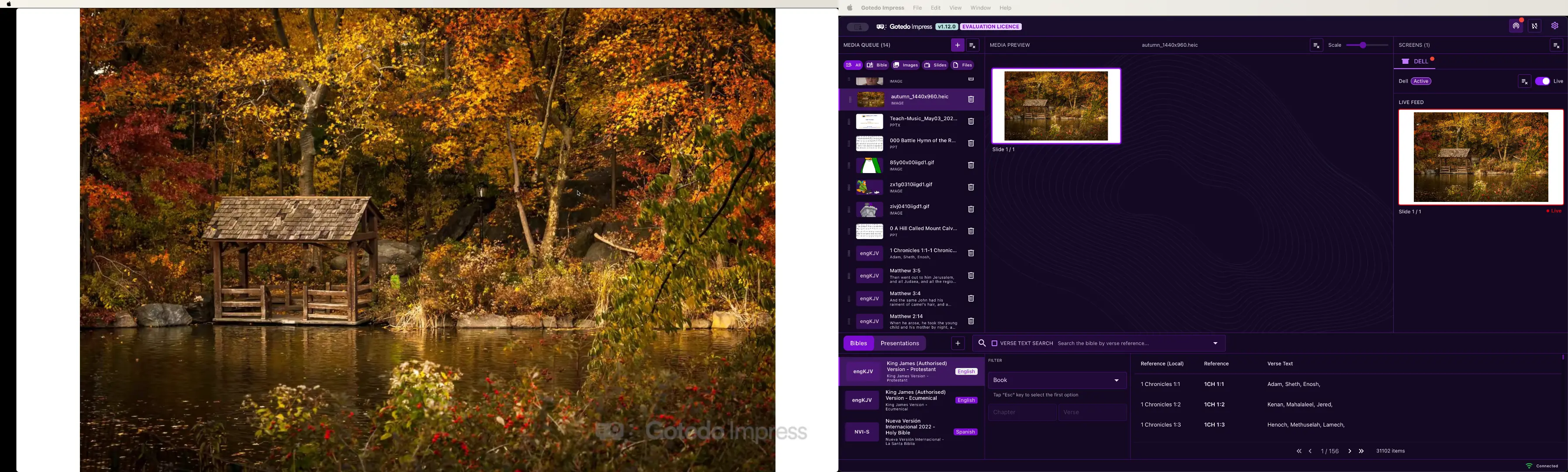
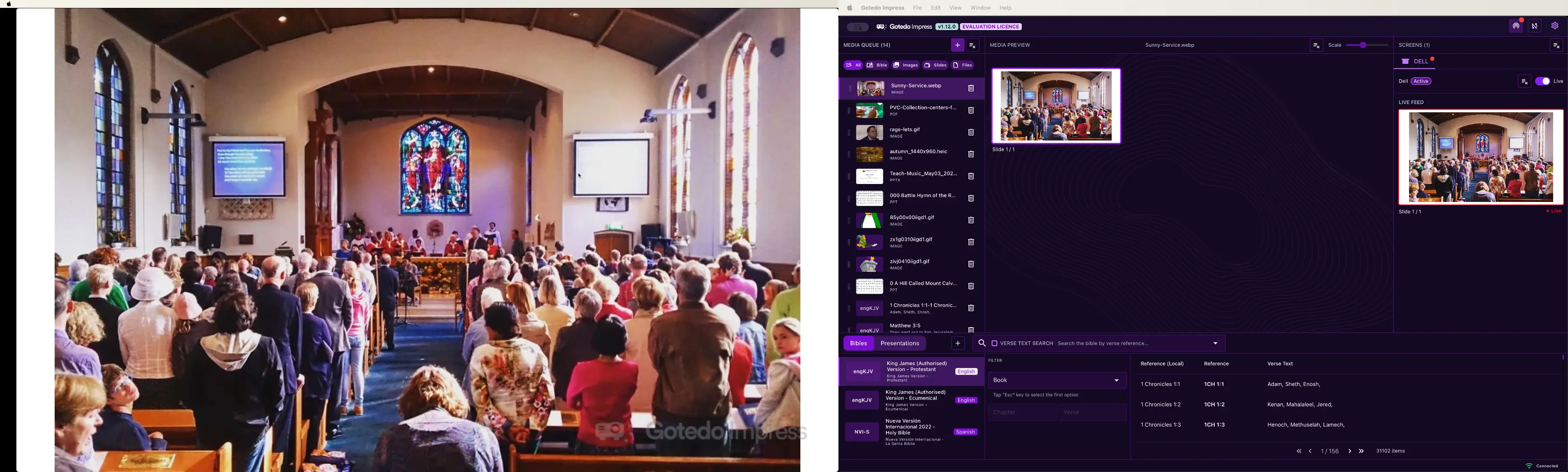
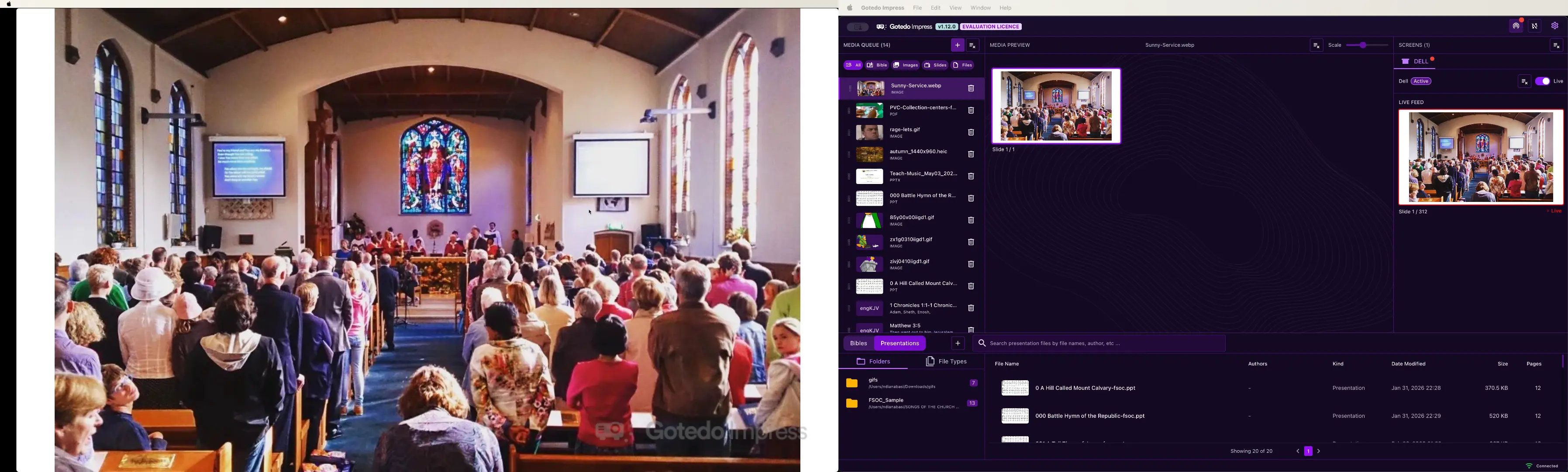
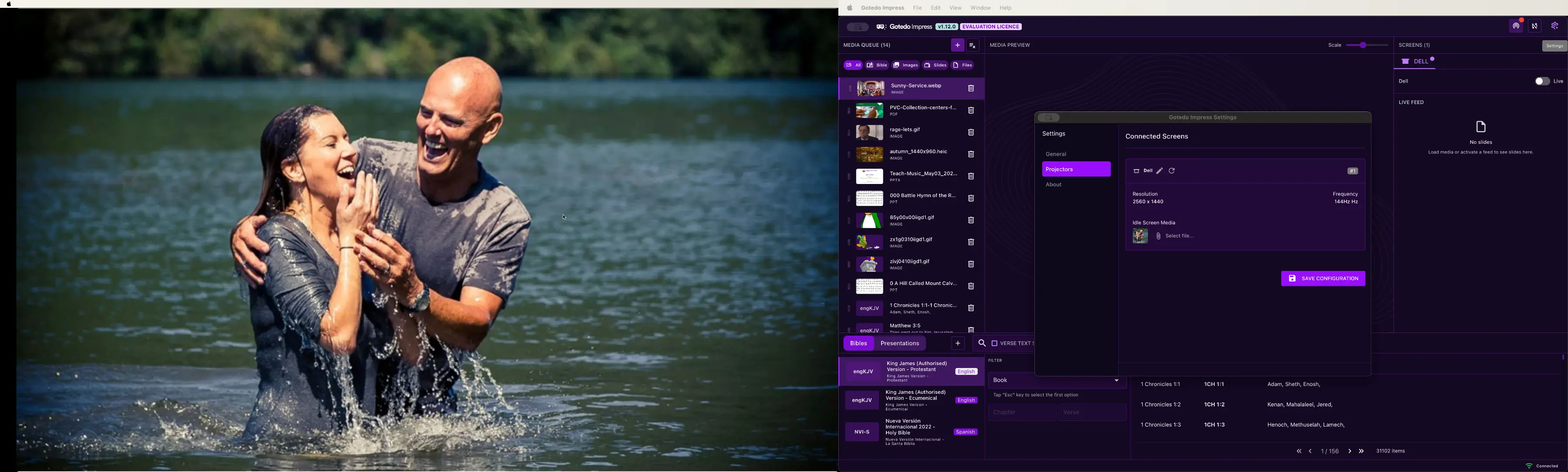
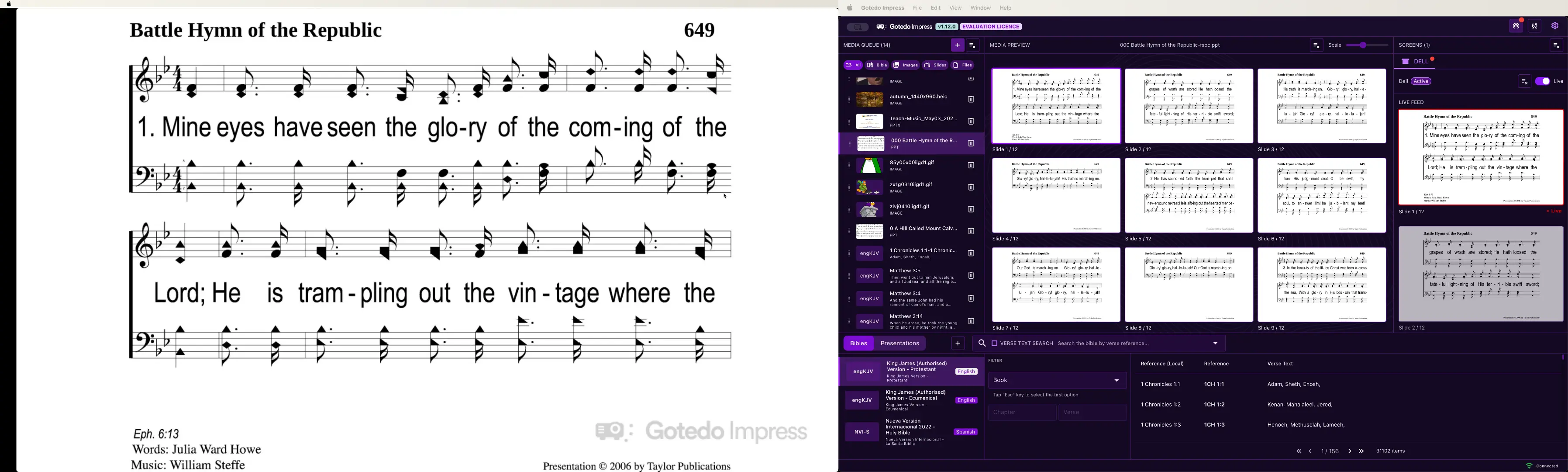
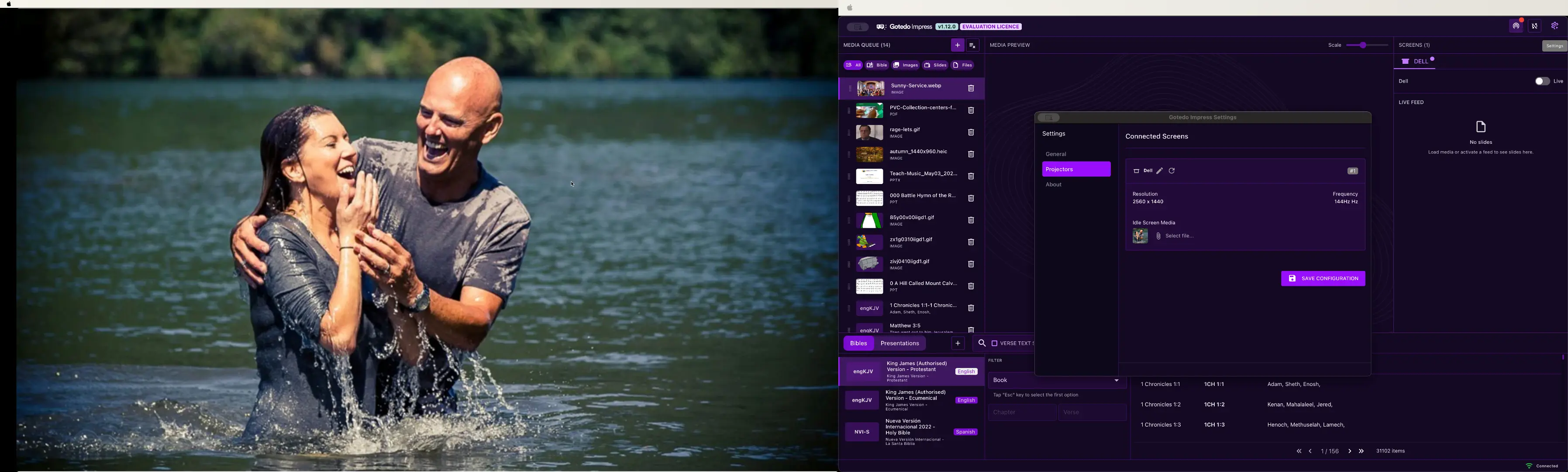
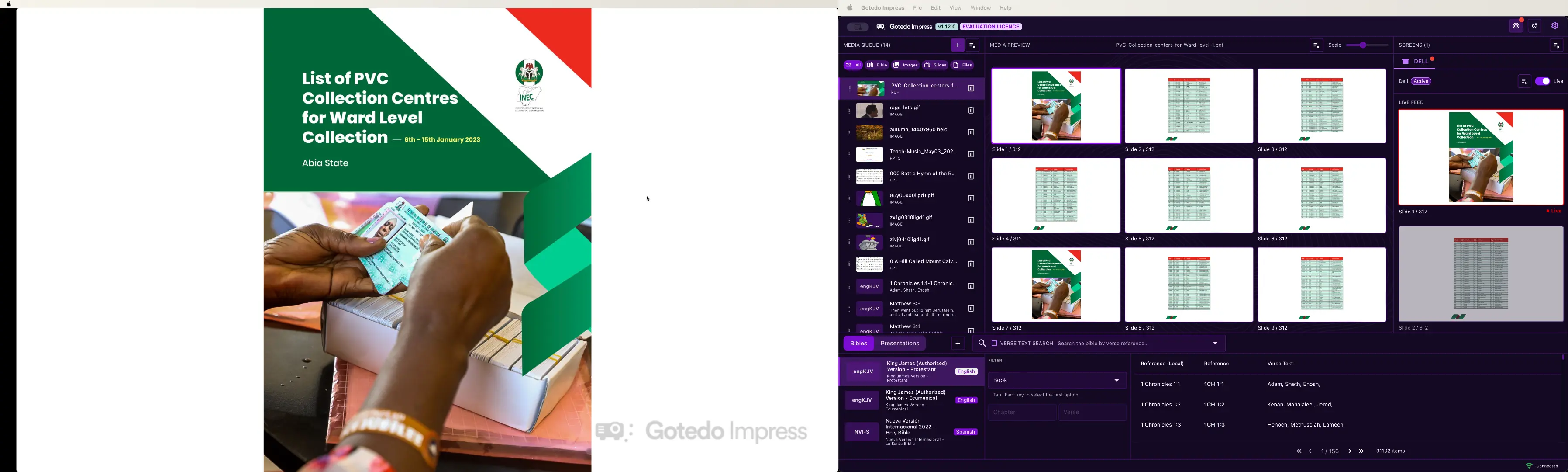
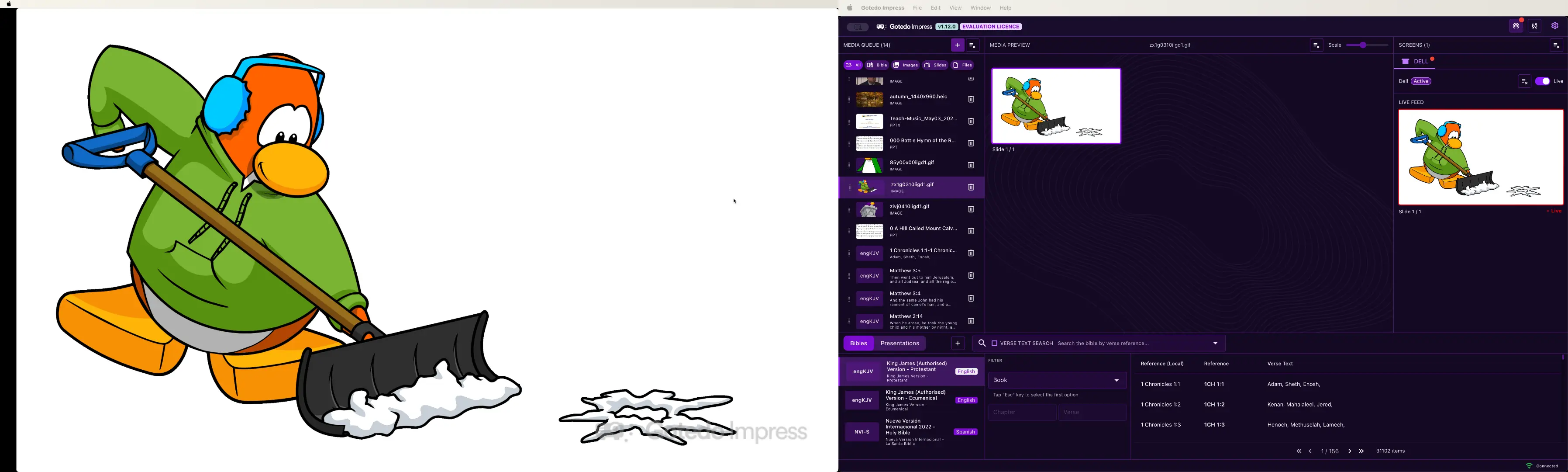
Every tool your church worship team needs.
From Bible search to live streaming, Impress brings everything into one clean, fast interface
Built-in Bibles Library
Explore Bible translations from the Gotedo Impress Bibles library for use within your church services.
Independent Multi-Screen Output
Gotedo Impress allows you to project different media to different projectors and monitors simultaneously and control each media on each projector independently.
Widest Media & Document Support
Gotedo Impress supports a wide range of media and document types for presentation. You can project PDF, Word, and PowerPoint documents; image formats: PNG, JPEG, GIF, TIFF, BMP, WEBP, HEIC/HEIF, etc.; and video formats (planned).
Native Slide Shows
When you need native slide shows for presentations with complex charts, animations, or transitions, Gotedo Impress can launch and control PowerPoint Slide Shows remotely instead of using its embedded slide show technology.
Powerful Media Queue with Media Resumption
Gotedo Impress media queue is the engine of the application. The media queue in Gotedo Impress is persistent ensuring that you do not loose your queued media when you close the application. Gotedo Impress media queue will auto-resume the last slide of any presentation as you toggle between media items.
Video Playback Support
Gotedo Impress supports independent and simultaneous video playback on multiple screens for a wide range of formats include: "MOV", "MP4", "MKV", "WEBM", "AVI", "FLV", "TS", and "OGG". During video playback, you can route audio to any speaker or audio output device of your choice.
Getting Started
Up and running in under five minutes.
Download Gotedo Impress
Gotedo Impress is available for Windows and Mac computers. Download and install to get started.
Login and Activate
Gotedo Impress licence is free for everyone. Once you launch the software, you will be able to login via your Gotedo Account and activate the software.
Connect your Screens
Gotedo Impress supports multiple projectors or monitors. Connect your projectors and Gotedo Impress auto-detects them for independent media per projector — no driver setup needed.
Present & Impress
Go live from Gotedo Impress. Effortless present PDF documents, Microsoft PowerPoint / Word documents, Images, Videos, etc. to your audience.
Frequently asked questions
Everything you need to know about Gotedo Impress.
Join the Growing Communities of Churches and Users Around the World

Bethany Community Church of Summerfield, North Carolina
Church Of Christ, Sangotedo, Lagos
Elohim Fire International Ministry, Ashanti
Evangelical Christian Restoration Church, Guatang
Faith Alive Bible Church, Eastern Cape
Maranatha Christian Community Church Waterford, Munster
Net Missions Fellowship Iligan City, Northern Mindanao
New Holy Cornerstone Church, Nairobi
New Life Assembly of God, Louisiana
Rachael Seventh-Day Adventist Church, Ashanti
Righteous Tent Christian Chapel, Lagos
Tri-County Baptist Church, Georgia
Ready to Impress your congregation?
Join 500+ churches already using Gotedo Impress. Create stunning worship presentations and stream with confidence.



Still have questions?
Can’t find the answer you’re looking for? Chat with our support team for quick assistance.