Gotedo Streams
Everything You Need to Stream Your Services
Powerful livestreaming integrated directly into Gotedo Vineyard. Reach members who can't attend in person, expand your ministry globally, and keep your congregation connected anywhere, anytime.
Join the Growing Communities of Churches and Users Around the World
Bethany Community Church of Summerfield, North Carolina
Church Of Christ, Sangotedo, Lagos
Elohim Fire International Ministry, Ashanti
Evangelical Christian Restoration Church, Guatang
Faith Alive Bible Church, Eastern Cape
Maranatha Christian Community Church Waterford, Munster
Net Missions Fellowship Iligan City, Northern Mindanao
New Holy Cornerstone Church, Nairobi
New Life Assembly of God, Louisiana
Rachael Seventh-Day Adventist Church, Ashanti
Righteous Tent Christian Chapel, Lagos
Tri-County Baptist Church, Georgia
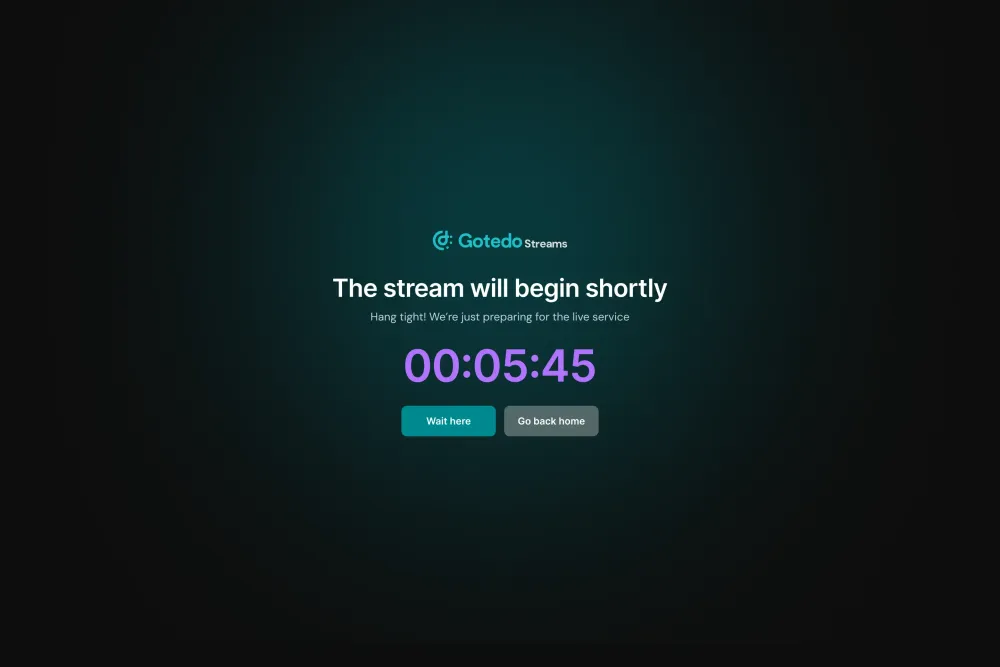
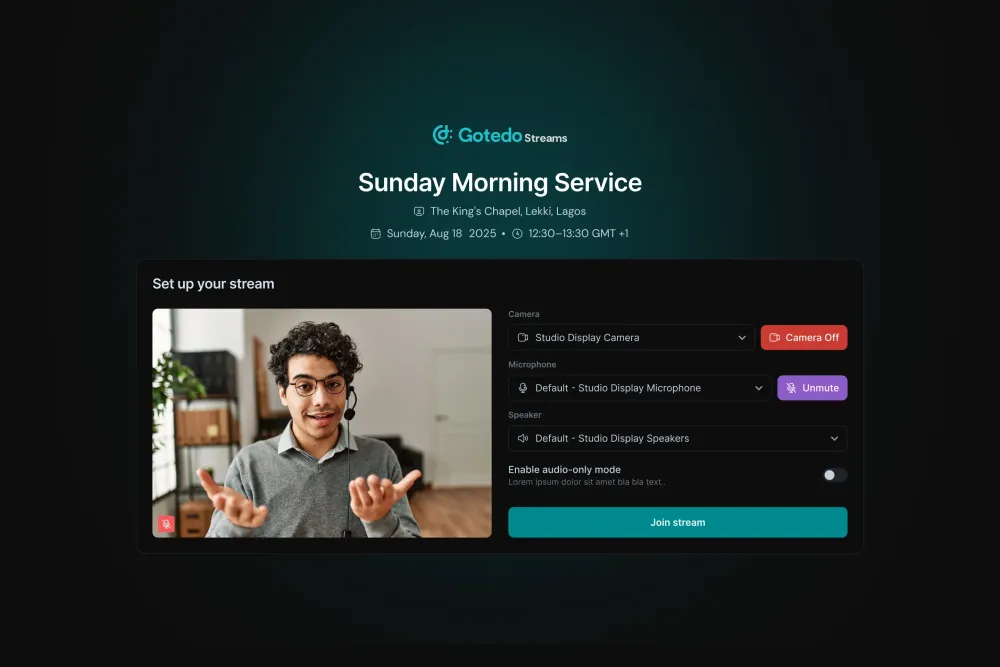
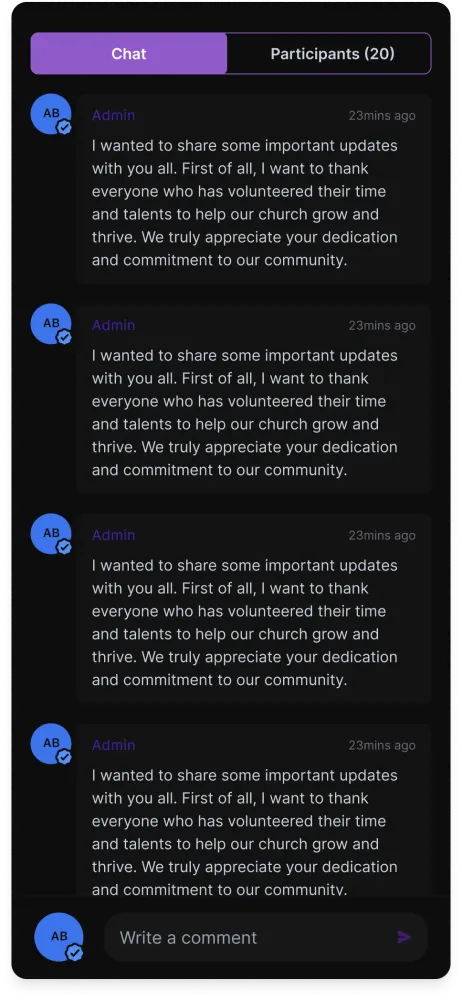
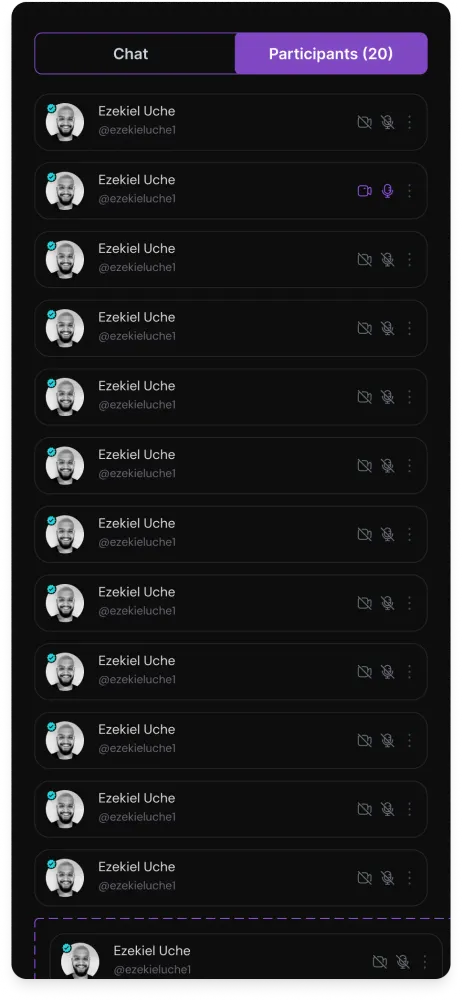
See Gotedo Streams in Action
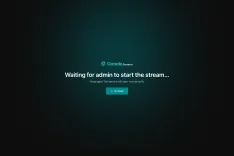
Explore the intuitive interface designed to make church livestreaming simple and effective, enhancing your digital ministry.
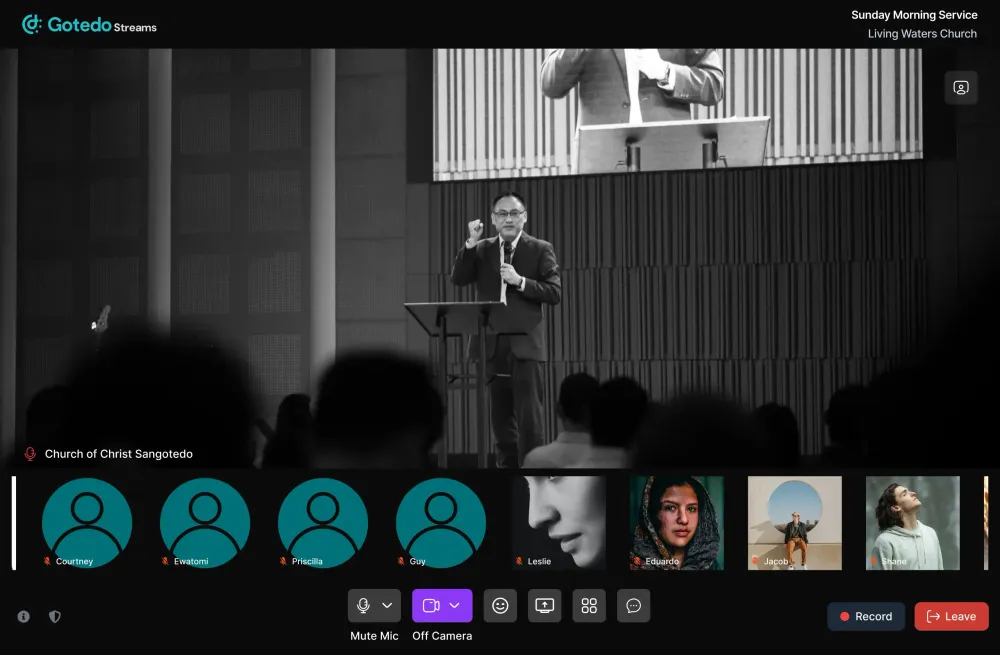
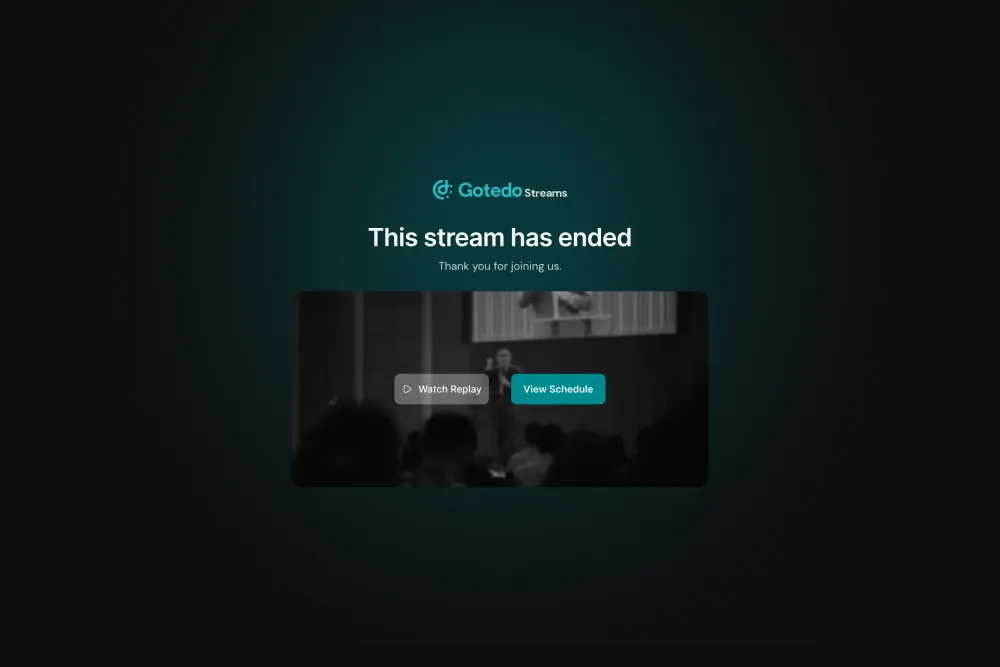
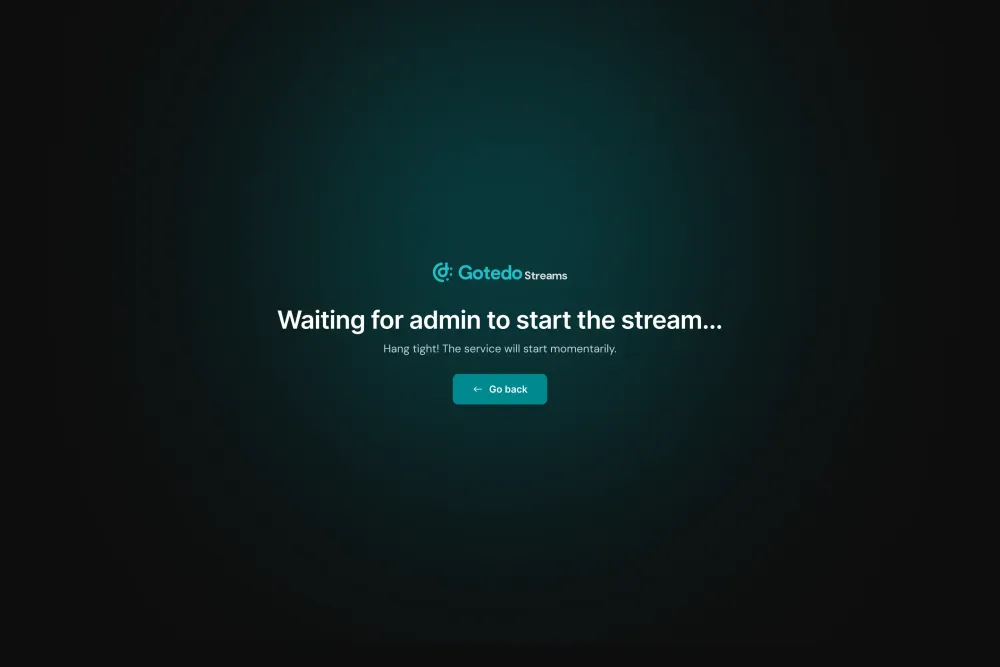
Stream Conference
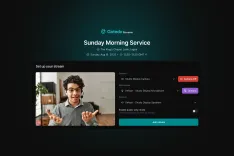
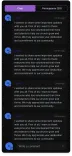
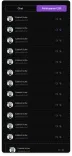
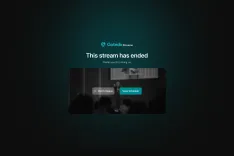
Powerful Features for Your Digital Ministry
Gotedo Streams is built specifically for churches, with comprehensive tools designed to help you broadcast worship services, special events, and connect with your congregation online.
Schedule & Manage Sessions
Create one-time or recurring livestreams directly in Gotedo Vineyard.
Flexible Rescheduling
Easily reschedule or cancel sessions with automatic member notifications.
Professional Stream Management
Control broadcasts, viewer count, and settings from one dashboard.
Live Chat & Interaction
Engage members with real-time chat and prayer requests.
Low-Latency Streaming
Minimal delay for a truly live experience.
Global Content Delivery
Reliable worldwide streaming with minimal buffering.
Simple Technical Setup
Easy configuration with no technical expertise required.
Get Started in Minutes
Launch your first livestream in just a few simple steps. No technical expertise required.
Enable Gotedo Streams
Activate Gotedo Streams in your Gotedo Vineyard account with a single click. No complex setup or configuration needed.
Configure Your Settings
Set your streaming preferences, choose privacy settings, and customize your broadcast options to match your ministry needs.
Schedule Your Stream
Create your first livestream session, set the date and time, and send automatic reminders to your congregation.
Go Live
Start broadcasting with a single click. Your members receive notifications and can join from the Gotedo Social Media App.
Ready to Extend Your Ministry Online?
Join churches around the world using Gotedo Streams to reach members wherever they are, fostering connection and spiritual growth.
Frequently asked questions
Find answers to common questions about Gotedo Streams and how it can enhance your church's digital ministry.



Still have questions?
Can’t find the answer you’re looking for? Chat with our support team for quick assistance.